Advanced Features
Once you have a good grasp of the basics of Hathor Forge, you can start exploring some of its more advanced features that can take your development experience to the next level.
Nano Contracts
These contracts allow you to execute logic on the Hathor network. In Hathor Forge, the easiest way to create a nano contract is by first registering a blueprint, and then using that blueprint to instantiate the contract.
You can also register a Nano Contract directly by using the Contract ID.
-
You must publish the blueprint to the local network first, which will give you a Blueprint ID.
-
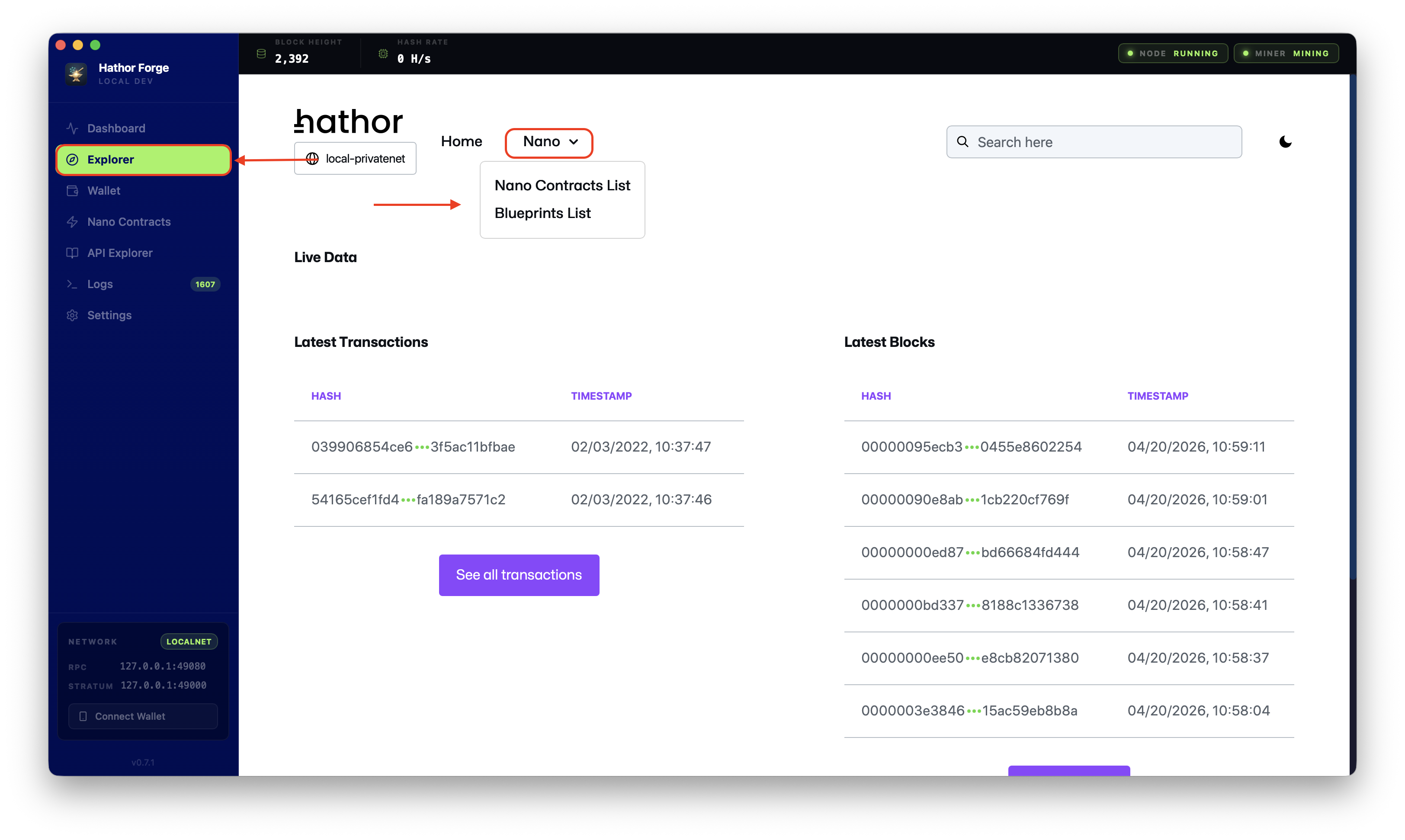
Once published, you will be able to see it in both the Explorer and the Nano Contracts sections.
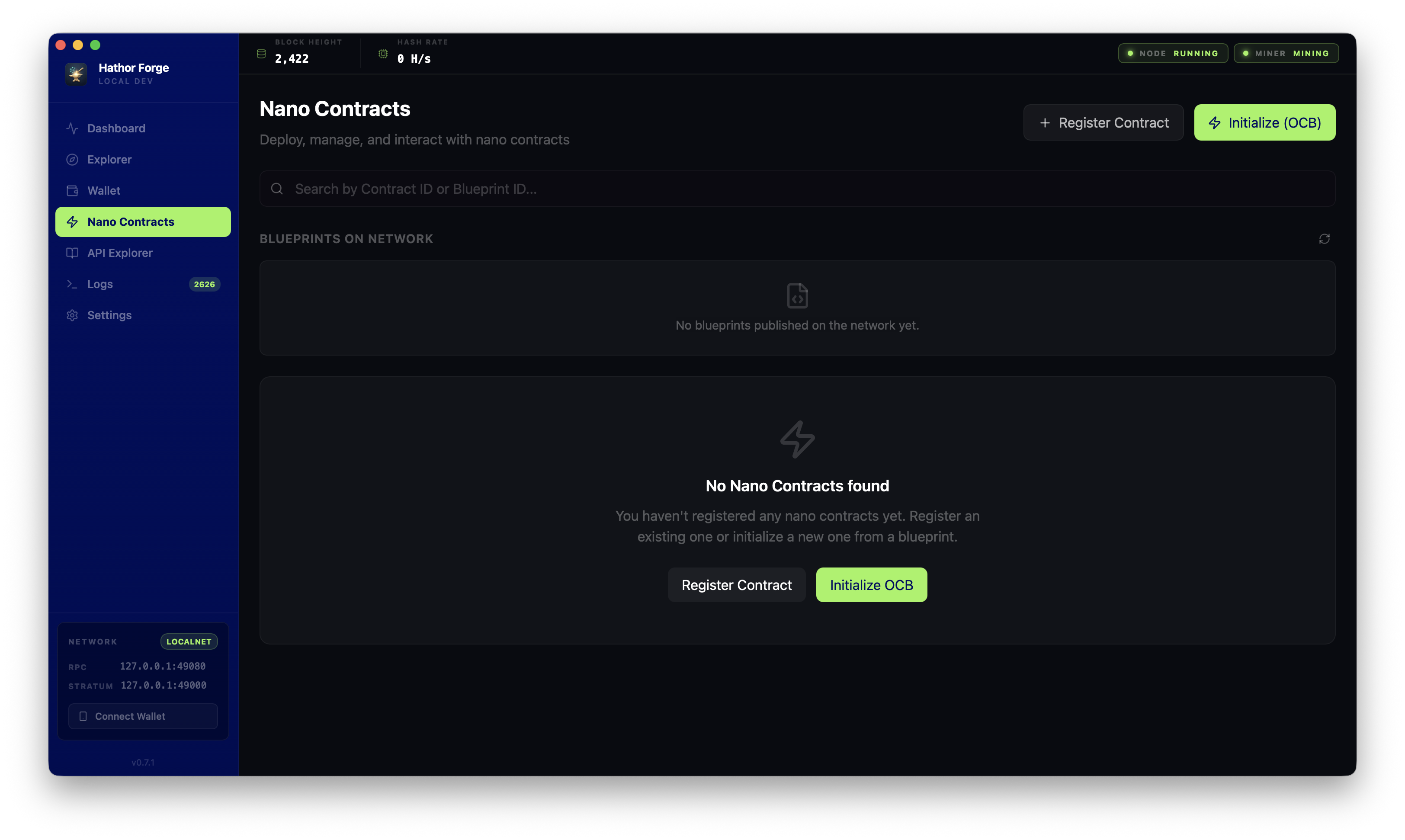
- From the Nano Contracts section, you can click on the Register Contract to use only the contract ID or the Initialize (OCB) button, which will prompt you to select from the available blueprints and will automatically fill in the Blueprint ID for you.